TrimrPix for iOS › Free up storage without deleting
How to free up iPhone storage without deleting photos
When the storage warning arrives, the advice is always the same: delete something. For most people the something is photos, and that is the one thing they did not want to lose. There is a better order to work through.
Check what is actually using the space
Start in Settings, under General and then iPhone Storage. It lists what is taking up room, largest first, and the answer is usually Photos by a wide margin. It is worth looking rather than assuming, because occasionally the real culprit is a podcast app holding a few hundred downloaded episodes, and that is a much easier problem.
If Photos is at the top, the rest of this page is about that. If it is not, delete the downloaded media from whatever is, and you are done.
What Optimise iPhone Storage does, and what it does not
Apple's built-in answer lives in Settings under Photos. With iCloud Photos on, Optimise iPhone Storage keeps smaller versions on the device and leaves the full-resolution originals in iCloud. It genuinely frees space on the phone, and it is the first thing to try.
It has two limits worth knowing. It does nothing for your iCloud storage, so if the warning you are seeing is about iCloud rather than the device, this will not help at all. And the originals live remotely, so opening an old photo on a bad connection means waiting, and editing or sharing at full resolution means downloading it back first. That is a fair trade for many people and an annoyance for others.
The part nobody suggests: make the originals smaller
A modern iPhone photo is several megabytes because it is stored at the quality the camera captured. For photos you will only ever look at on a screen, which is most of them, that is more data than the use needs. Compressing the original keeps the photo, keeps it in your library, and gives the space back permanently on the device and in iCloud alike.
This is what I built TrimrPix for. You select photos, choose a quality level or a target size, and it replaces each original with a smaller version in place. No photo is uploaded, nothing is copied, and there is no second album to tidy up afterwards. Typical savings run from 30 to 80 percent depending on the photos and the setting, and the app shows you the estimate before anything changes.
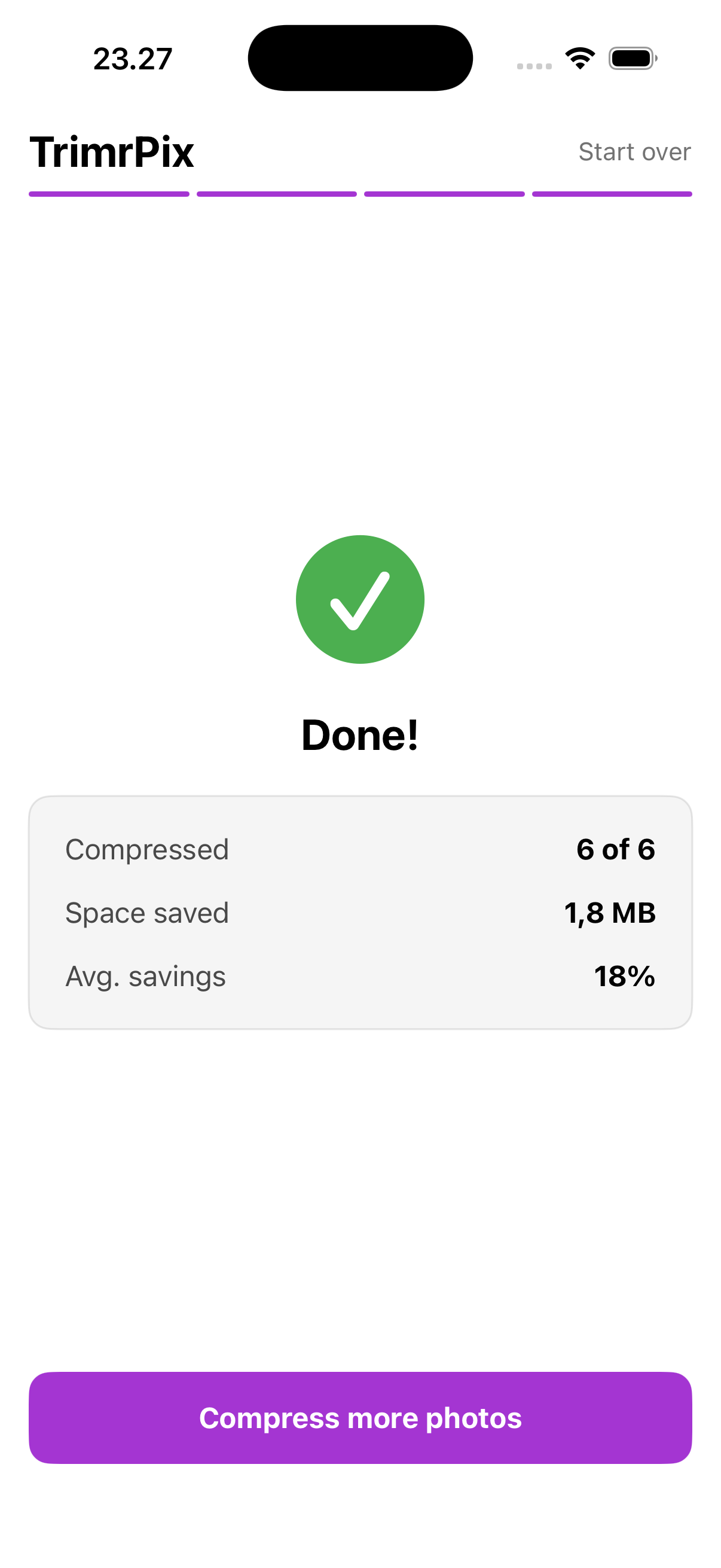
On a library of a few thousand photos this adds up to gigabytes rather than megabytes, which is the difference between the warning going away and coming back next week. The result screen keeps a running total across every run, mostly because it is satisfying to watch.
TrimrPix for iOS compresses photos in place, on your iPhone, with no cloud and no accounts. One-time purchase.
Download on the App Store$1.99 · Pay once · Requires iOS 17 or later
Where to be careful
Compressing replaces the original and cannot be undone. For most photos that is exactly what you want, but not for all of them. Photos you might print, anything you shot deliberately to edit later, and images with fine detail you care about are worth leaving at full size. A sensible approach is to start with the obvious bulk, screenshots, receipts, photos of documents and long bursts from an event, and leave the ones that matter alone.
It is also worth emptying Recently Deleted while you are here. Photos you deleted are kept for 30 days and still count against your storage the whole time, which surprises people who have just spent an evening clearing space.
Common questions
Does Optimise iPhone Storage actually free up space?
Yes, on the phone. It keeps smaller versions locally and the full-resolution originals in iCloud. It does not reduce your iCloud usage, and it needs a connection to get an original back.
Will compressing my photos reduce my iCloud storage too?
Yes, if the photo is in iCloud Photos. Replacing the original with a smaller version syncs that change, so the smaller file is what iCloud stores.
How much space can compressing photos actually save?
Typically 30 to 80 percent, depending on the photos and the setting chosen. A library of several thousand photos can give back many gigabytes without a single one being deleted.