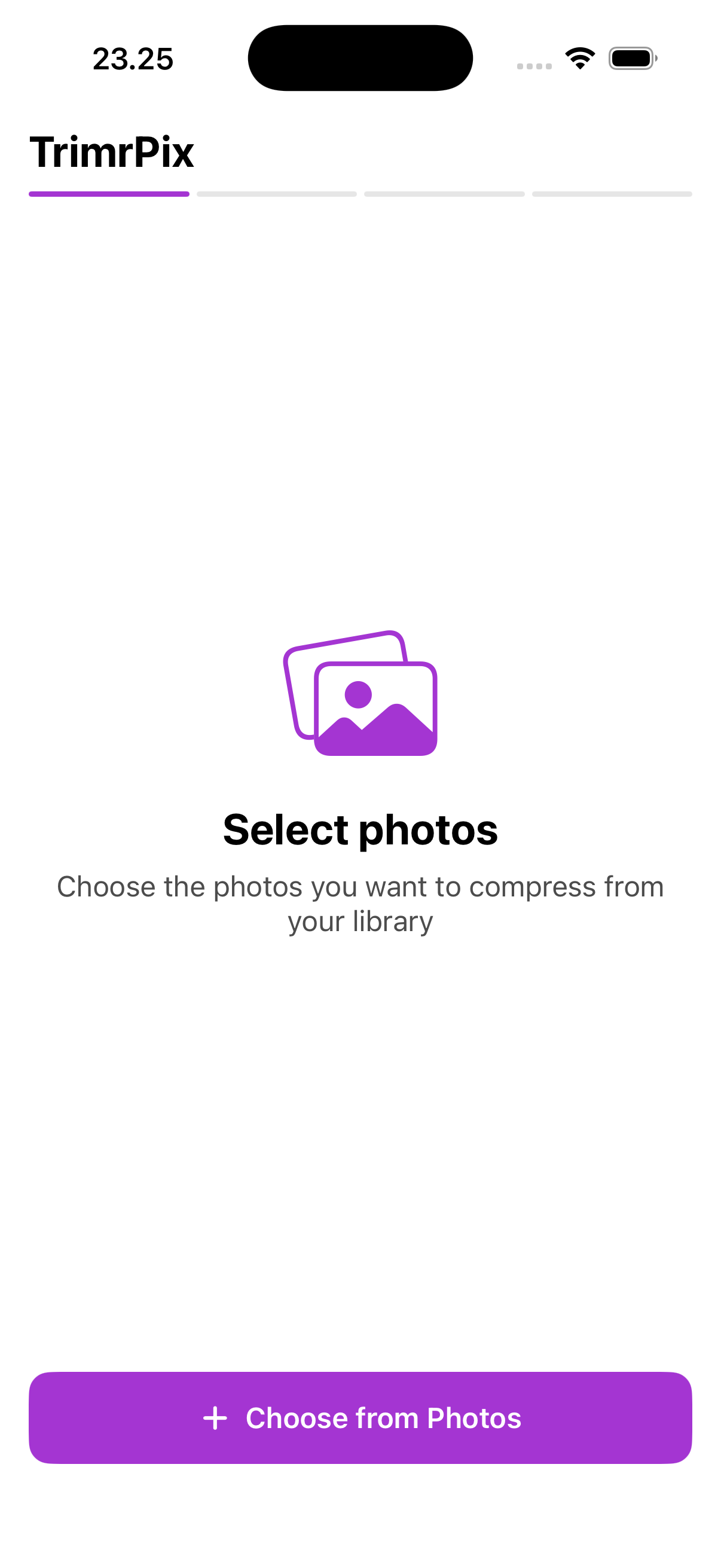
Select photos
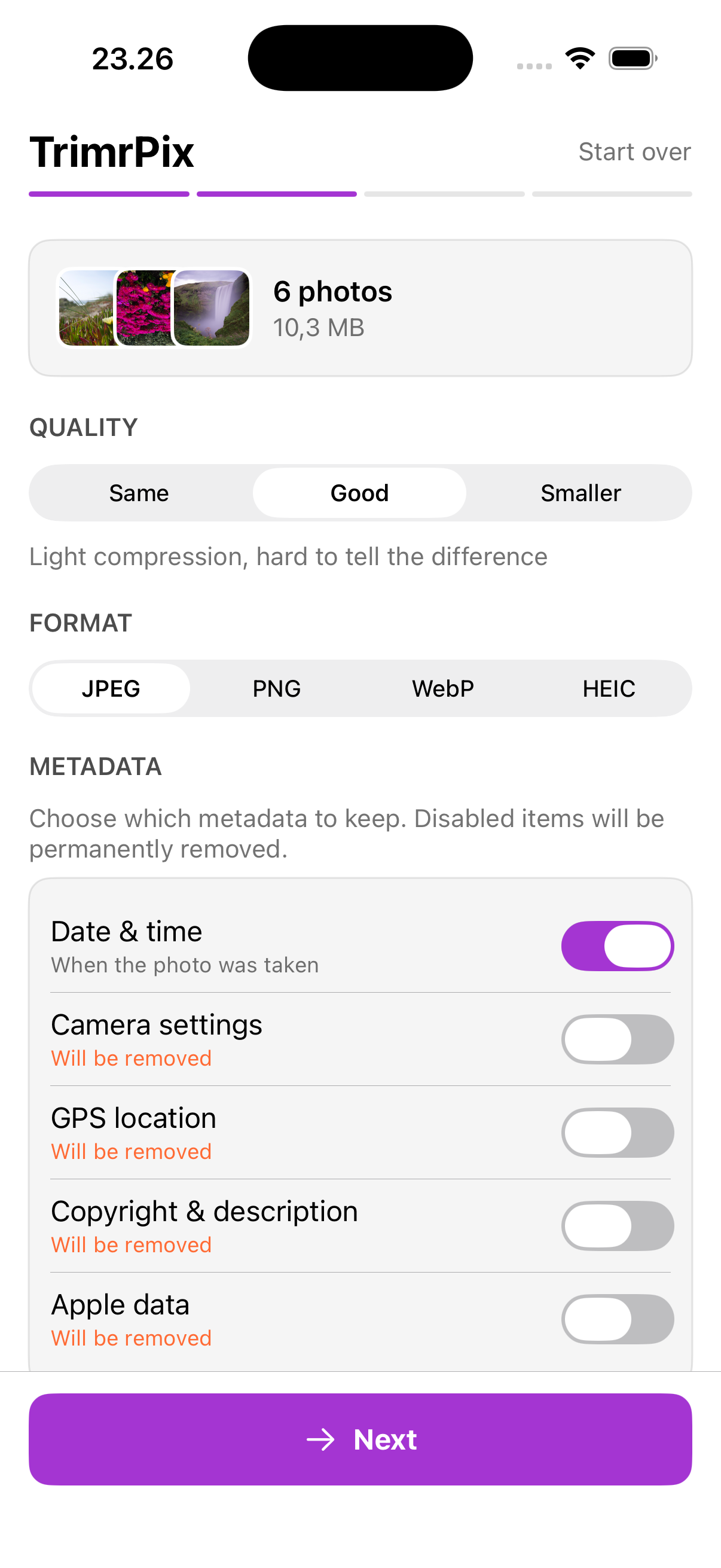
Configure
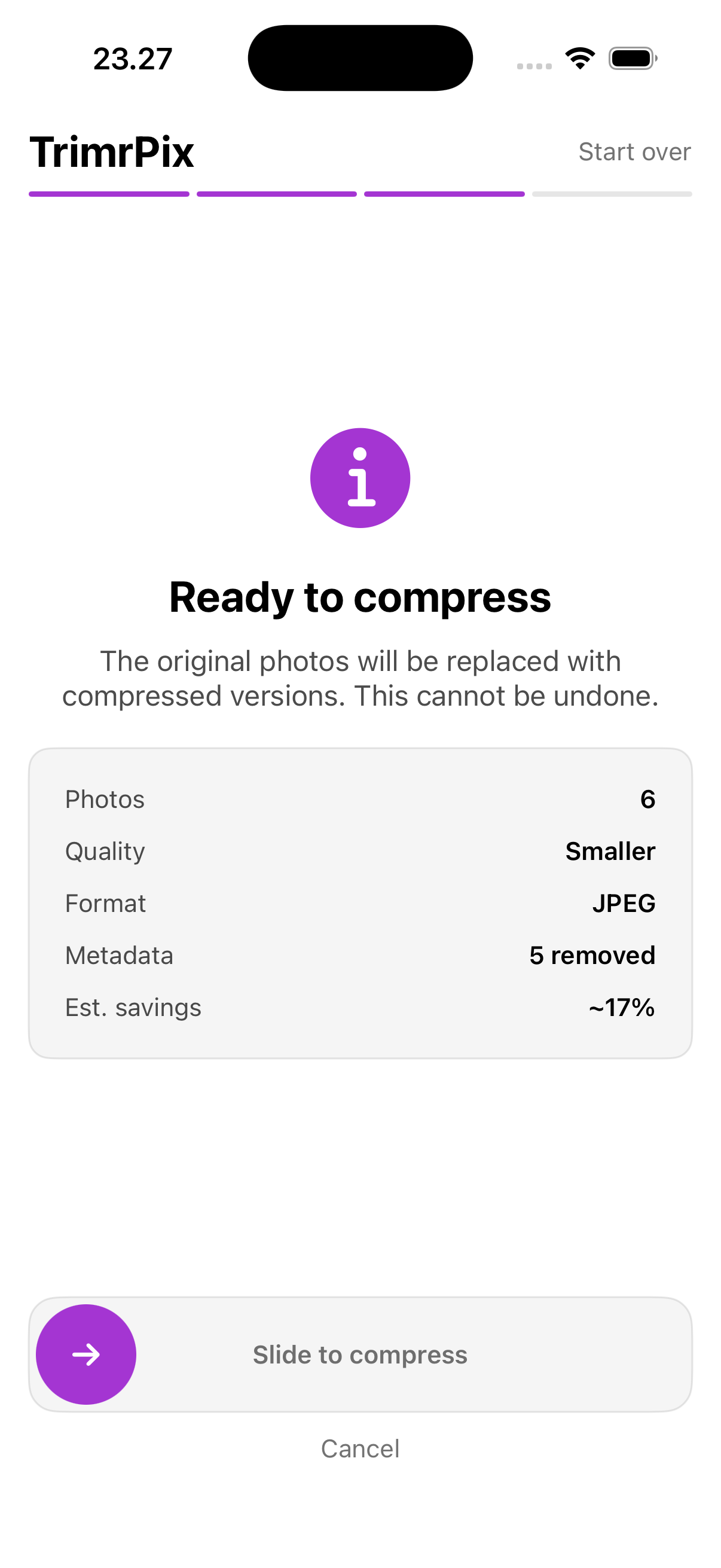
Confirm
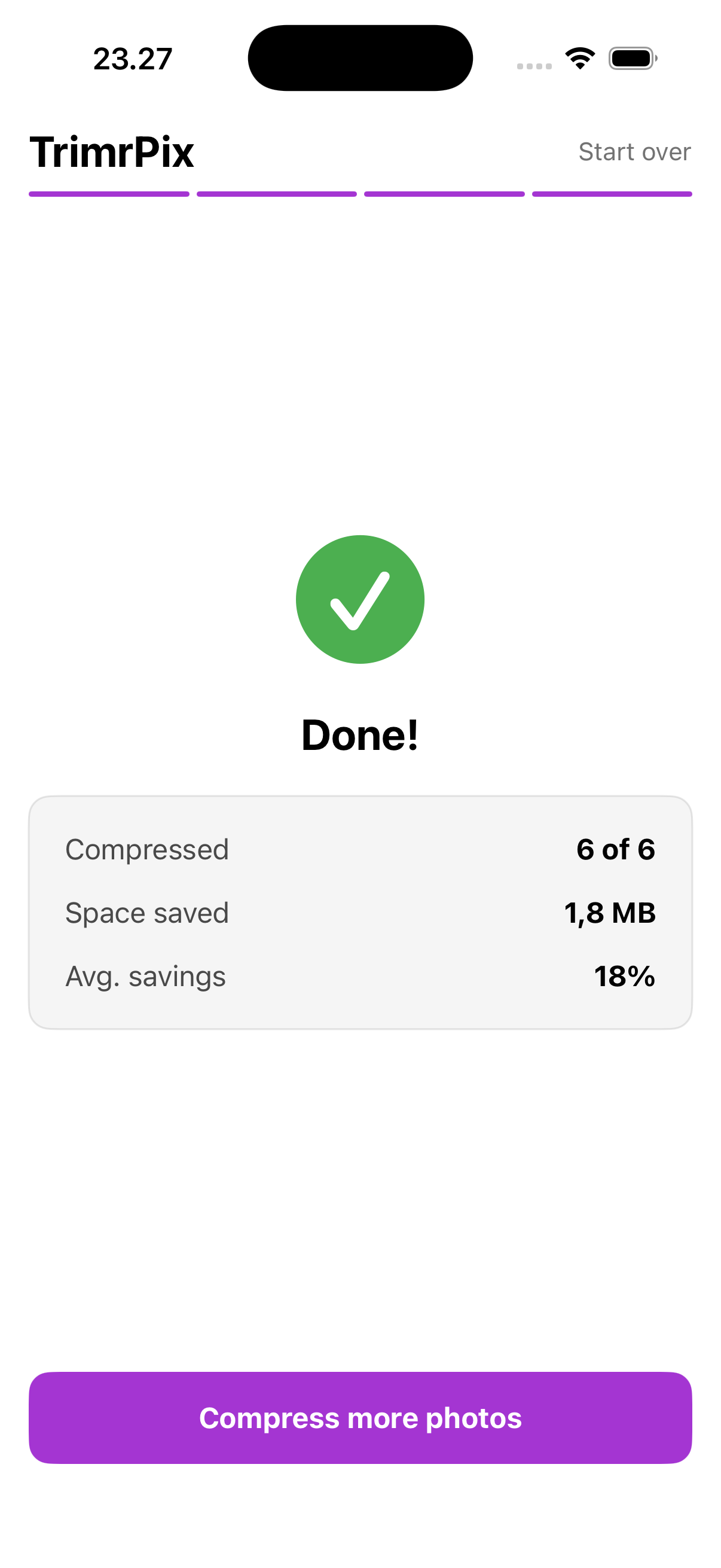
Results
TrimrPix replaces your photos with smaller versions — right inside your Photos library. No “Compressed” album to clean up. No cloud. No accounts. No ads. Just smaller files and more space.
Download on the App StoreFree · Requires iOS 26.2 or later
I built TrimrPix to do one thing well: make your photo files smaller. No bloat, no upsells, no nonsense.
Originals are replaced directly in your Photos library — no duplicate album to clean up later. Other compressors can’t do this.
Keep date and time, strip GPS location, remove camera data — you decide what stays, per category.
Choose Same for nearly lossless, Good for a balanced reduction, or Smaller for maximum savings.
JPEG, PNG, WebP, or HEIC. Pick the format that works best for your needs.
See exactly how much space you'll save before committing to compression.
Works with photos stored in iCloud. They're downloaded, compressed, and saved back automatically.
No sign-up, no tutorial needed. Open the app and you're compressing in under a minute.
Pick one or many photos from your library.
Choose quality, format, and which metadata to keep.
Confirm and watch the savings add up.
Compress your photos instead. TrimrPix takes seconds and you keep every single photo.
Download on the App StoreJPEG, PNG, WebP, and HEIC. You pick the output format per batch, so you can convert between formats while compressing. Most people stick with JPEG or HEIC for the best balance of quality and size.
Typically 30–80%, depending on your photos and the quality level you choose. TrimrPix shows you the estimated savings before you commit, so you always know what you're getting.
Yes, 100% offline. Every bit of compression happens on your iPhone. No servers, no cloud, no data leaves your device. That's the whole point — I built it this way because your photos are nobody else's business.
They're replaced in-place with the smaller version. No duplicates clogging your library. This can't be undone, which is why TrimrPix shows a clear summary and requires a slide-to-confirm gesture before compressing.
Yes. If a photo is stored in iCloud, TrimrPix downloads it automatically, compresses it, and saves the result back. You don't have to do anything extra.
Yes. You choose exactly which metadata categories to keep: date/time, GPS location, camera settings, copyright info, and Apple data. Want to strip GPS from every photo? Just toggle it off.
TrimrPix processes everything on-device. No uploads, no servers, no accounts. Your photos stay yours.